WebXR Viewer
Mozilla's augmented reality browser: AR experiences written with web technologies, running on ARKit
The WebXR Viewer opens a web page the way any browser does, and then lets that page place three-dimensional objects in the room around you.
Our contractor engagement with Mozilla covered the iOS side of it: evolving the app Mozilla had already released, from the bridge that lets JavaScript running in a web page drive ARKit, to ARKit 1.5, permissions and the iPhone X.
- Our role
- iOS contractor · evolution of the existing app
- Engagement period
- 2017–2018
- Platforms
- iPhone, iPad
Looking for something similar?
Tell us about your project
WebXR Viewer
Augmented reality on iOS meant writing a native app. Mozilla wanted it to mean writing a web page, so it shipped a browser where a URL is all an AR experience needs to reach a phone.
First released in 2017, it was Mozilla's way of putting a draft of the WebXR specification in front of the developers who would have to live with it, and of collecting their feedback while the standard was still open to change.
What the WebXR Viewer offers
- A browser first: type a URL, and the page it loads can render in augmented reality
- ARKit underneath, tracking the room so objects stay where the page puts them
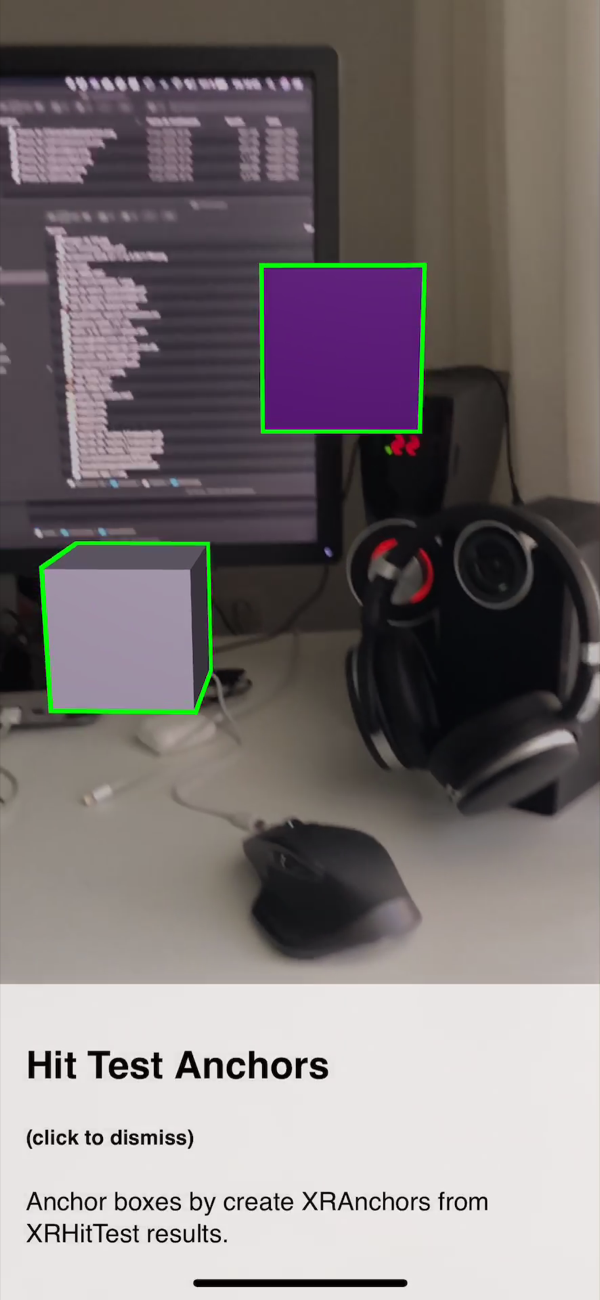
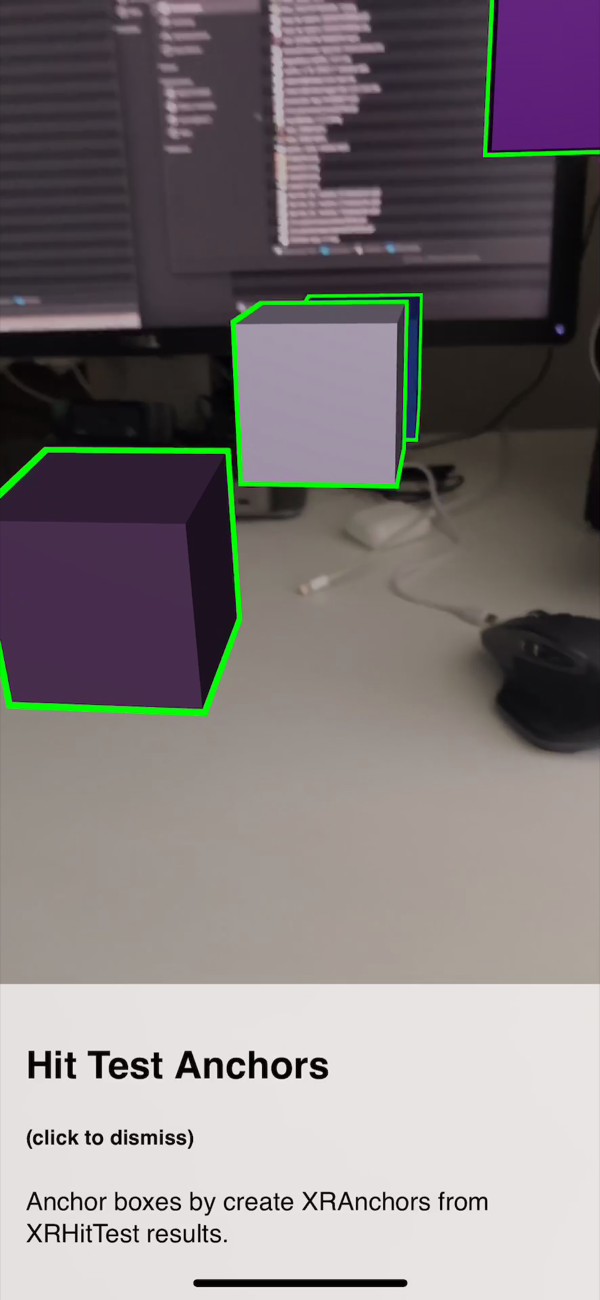
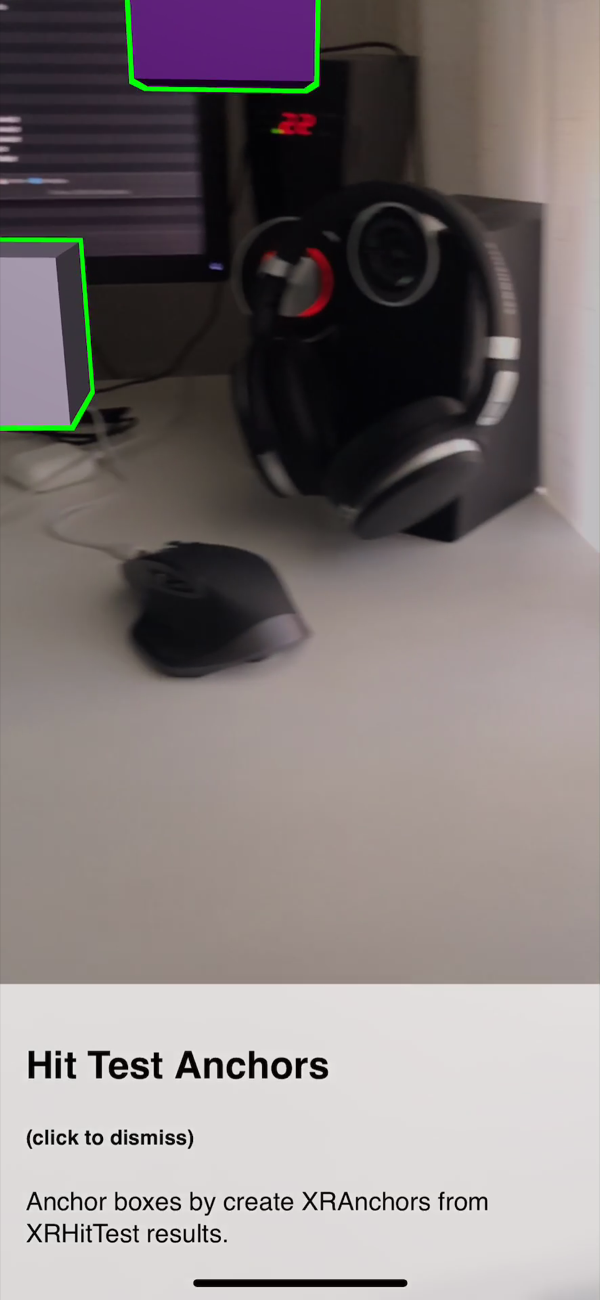
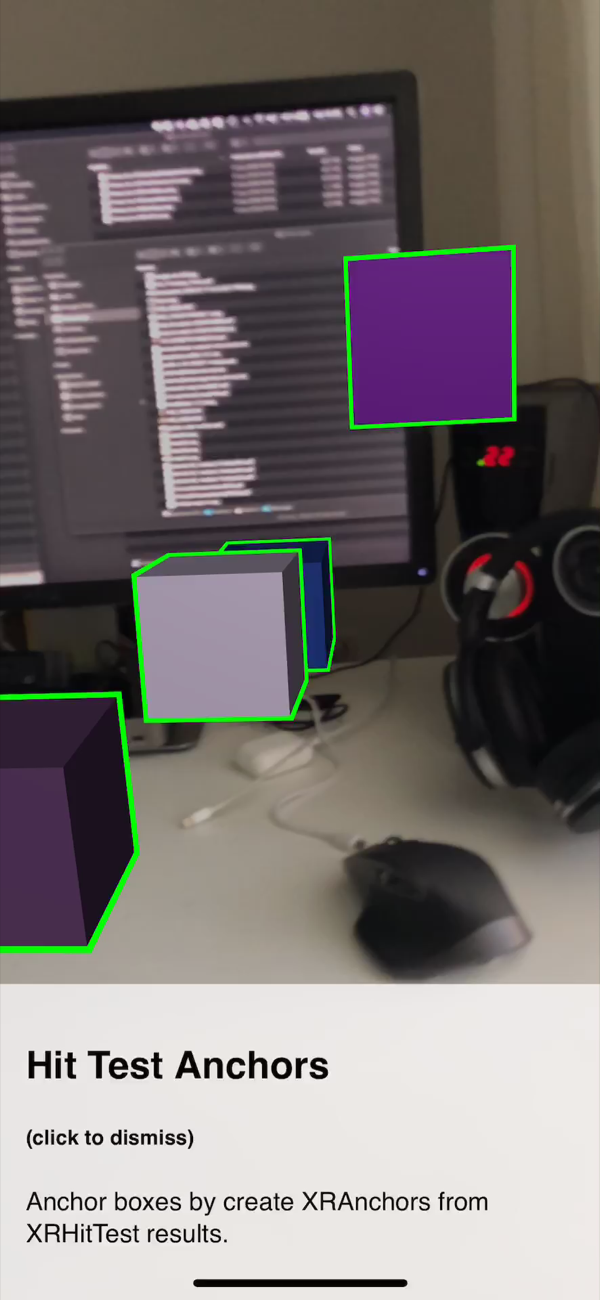
- Hit testing and anchors, so a web page can drop an object onto a real surface
- Aimed at developers: an experiment for testing web-based AR on iOS, never a supported consumer product
- Support for both the official WebXR API and Mozilla's earlier proposal, side by side
- Universal on iOS: the same build runs on iPhone and on iPad
How we worked
Mozilla was writing a specification and needed something real to test it against. A browser that could actually run WebXR on an iPhone was the fastest way to find out which parts of the draft survived contact with a device.
We joined once the app was already out, as contractors on its iOS side, and evolved it from there: the bridge that carries calls from JavaScript down to ARKit and camera frames and tracking data back up, the move to ARKit 1.5, the permission flow, and support for the iPhone X.
The interesting problems lived on that boundary. A web page expects to ask for the world and get an answer; ARKit expects to be driven frame by frame, on its own schedule.
The repository’s contributor history records Roberto Garrido’s technical work on the project.
Look & Feel
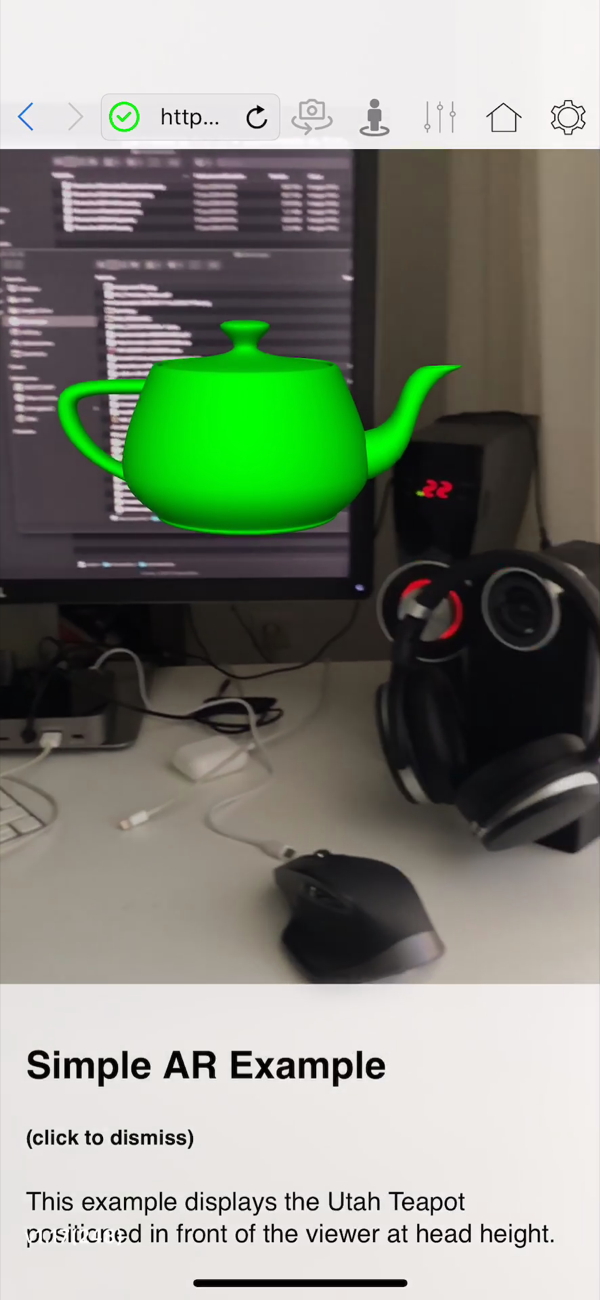
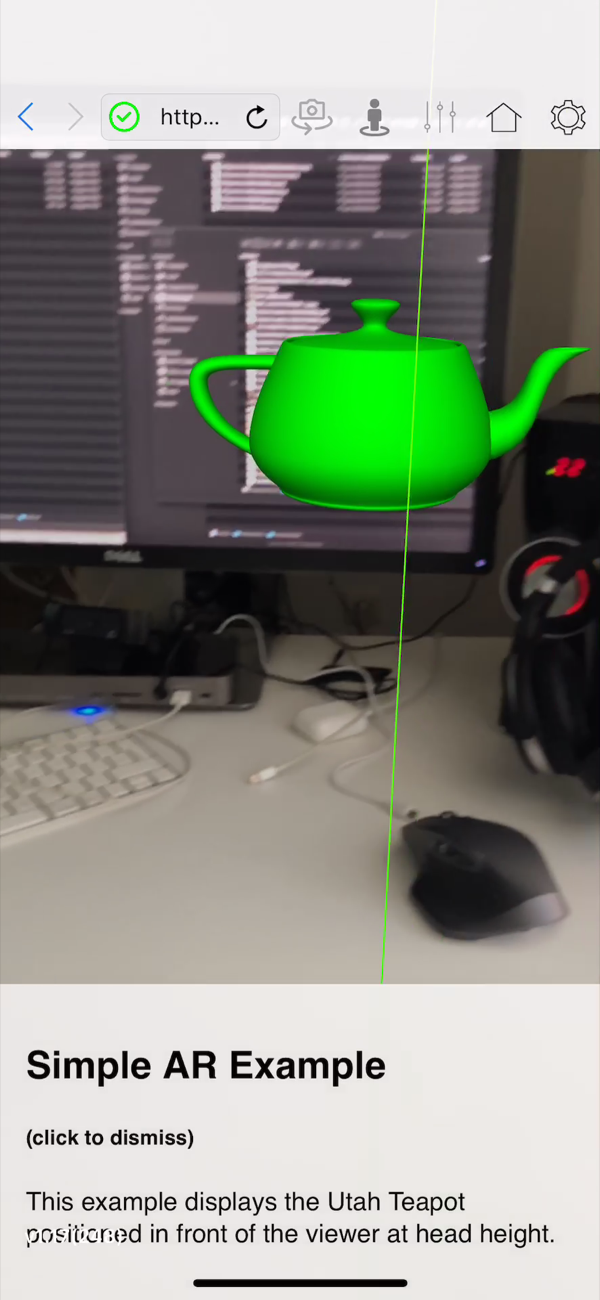
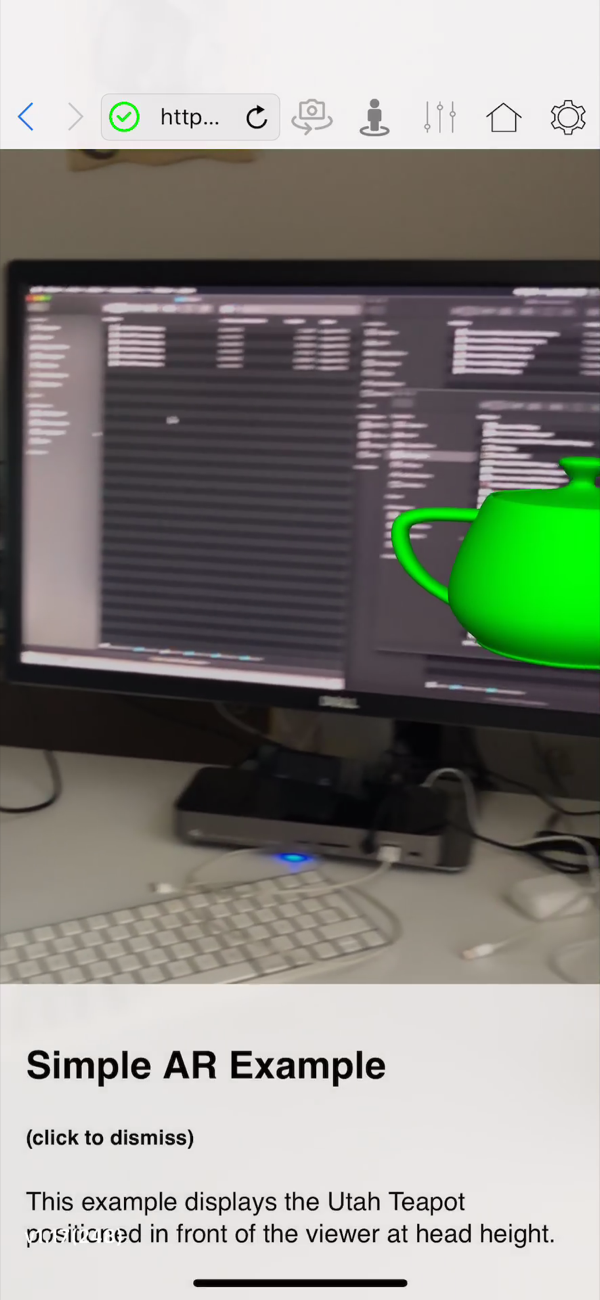
There is barely an interface to speak of, and that is the point. An address bar, a handful of controls, and then the camera feed takes the whole screen so the web page has somewhere to put its objects.
Everything a visitor sees on this page after that is drawn by a web page, not by the app: the teapot, the anchored cubes, the captions under them. The app's job is to get out of the way and keep the tracking honest.
Mozilla shipped it as an experiment aimed at developers rather than a supported consumer product, and the design follows: nothing here is trying to be more finished than it is.
Contact us
Shall we talk about your project? Email us at hello@irakai.com
We reply within two business days.